Kicking & Banning
This section addresses the kicking and banning functionalities in battleWarden.
Kicking Players
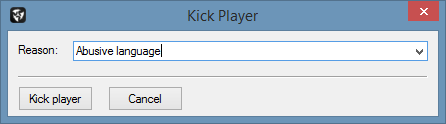
To kick a client/player connected to your server, right-click the according item in the player list under the Players
tab of the Primary Tab Bar and click Kick. In the appearing dialog window, enter a reason and click Kick player.
Banning Players
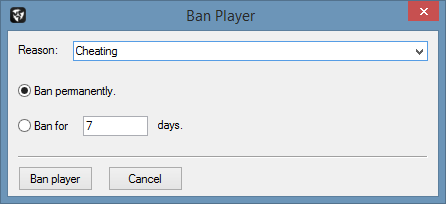
To ban a client/player connected to your server, right-click the according item in the player list under the Players
tab of the Primary Tab Bar and click Ban. In the appearing dialog window, enter a reason followed by the duration
and click Ban player.
Adding Bans
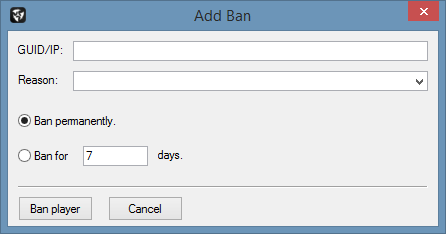
The Add Ban feature enables you to ban a client/player from you server even when that client/player is not connected
to your server. To accomplish this, click Commands → Add Ban in the Main Menu Bar.
In the appearing dialog window, enter the BattlEye GUID or IP of the client/player, a reason, a duration and
click Ban player.